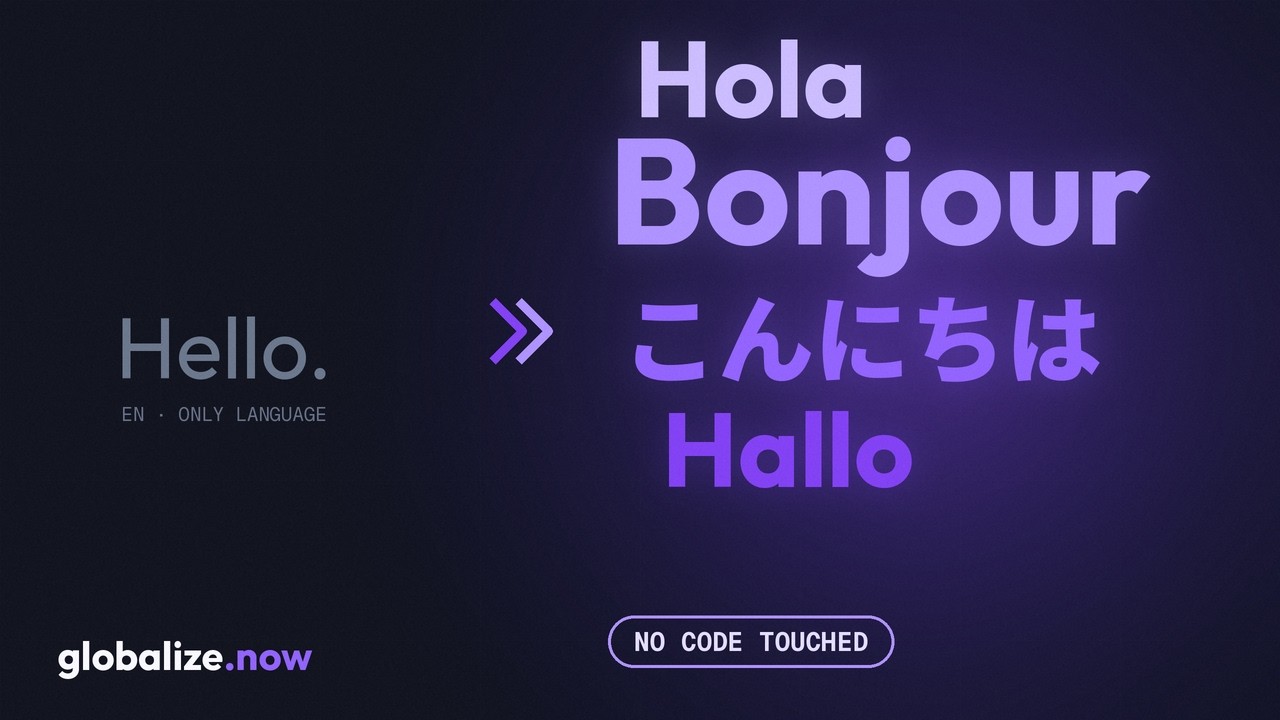








Make your app multilingual in minutes

Set it up once. Translations land on every push.

Make my app multilingual

€5 free credit · no card · set up in minutes

Powering localization for

4.8 on G2Built by Lokalise alumni

globalize.now — featured on Product Hunt

What is globalize.now?

It lives in your repo and your workflow. Set it up from the app in one connect, or drive it from your coding agent if you prefer.

Connect your GitHub or GitLab repo

Sign up, create a project, and pick the repo. That's the whole setup.

We prepare it and translate it

We scan the codebase, prepare it for multilingual support — the i18n groundwork — and translate it. No second step.

Translations land in your repo

Everything is pushed to your repo for you to review. From then on, every push gets translated.

BUILT FOR YOUR STACK

See it in action

Watch the whole flow: connect a repo, and translations land back in it.

globalize.now product demo video thumbnail

WHAT MAKES US DIFFERENT

Where developers actually work.

Most localization tools live outside your workflow. We live inside it.

Inside your repo, not a dashboard.

Connect your GitHub or GitLab repo in the app and we take it from there. No separate dashboard to live in, no second tool to learn. Prefer to drive it from your agent? Connect the MCP to Claude Code, Cursor, or Codex and run localization from chat.

Inside your Git workflow.

Every push to main triggers a PR with translations ready to review. No review queue. No export button. No separate role to hire.

Inside your existing codebase.

Framework detection on first run. If you already have next-intl, react-i18next, i18next, or @lingui, we skip the destructive setup and go straight to sync. Other tools assume you're starting from zero.

LANGUAGES

50+ languages on day one ( included)

50+ languages including Arabic, Hebrew, Persian (), Chinese, Japanese, Hindi, and more.

Show all 50+ languages
AfrikaansArabicBengaliBulgarianCatalanChineseCroatianCzechDanishDutchEnglishEstonianFilipinoFinnishFrenchGermanGreekGujaratiHebrewHindiHungarianIndonesianItalianJapaneseKannadaKoreanLatvianLithuanianMalayMalayalamMarathiNorwegianPersianPolishPortugueseRomanianRussianSerbianSlovakSlovenianSpanishSwahiliSwedishTamilTeluguThaiTurkishUkrainianUrduVietnamese

Got questions? Browse the docs →

From the field

What early users are saying.

Real React and Next.js apps. Real i18n debt. What early builders tell us.

CD

Charlie Day

Co-founder · Pretty Prompt

“I just want translation to be automatic so language no longer becomes a barrier. This is exactly what I was looking for, works in the background on every commit, with great results!”
Verified on G2Read on G2
TF

Tomas Franc

Founder · NextKS · ex-Lokalise Lead Solutions Architect

“A big relief to developers, they can rely on AI to do this stuff for them. Because it's painful stuff.”
Verified on G2Read on G2

Verified User

Leisure, Travel & Tourism · Small business

I tried to do it with Claude and Lovable before but ended up breaking the code. With globalize it was super easy.
Verified on G2Read on G2

Saknes.org

Museums & Institutions · Small business

Because of where we’re based, we have demanding language requirements, and Globalize made what felt like a daunting task much easier.
Verified on G2Read on G2

Using globalize.now? Tell us what you think.

PRICING

Start free. Then pay for the characters you translate.

No per-seat charges, no per-language charges, no surprises. Top up when you grow.

Billed by the characters we translate, shown to you in plain English. The €5 signup credit covers about 5,000,000 characters (roughly 770,000 words). Before any translation runs, we show you the exact math for your codebase.

EARLY ACCESS

What's included

PER WORKSPACE

€5 translation credit on signup, no card required.

Need more? Top up at the same per-character rate. No plan switch required.

Start free →
  • Pay only for the characters you translate
  • Unlimited languages incl.
  • CLI, API & GitHub sync
  • Context-aware AI glossary
  • Priority support during early access

See full pricing →

Comparing globalize.now to Lokalise, Phrase, or Crowdin? See how we stack up →

FAQ

Frequently asked questions

Google Translate bolts a rough machine-translation layer on top of your live page. You don't control the wording or how it reads, and it sits over your UI rather than being built into it. globalize translates the real text in your codebase into locale files you own, in your repo. You get editable, AI-quality translations, a proper page per language (better for SEO), and nothing breaks when you ship.
Sign up at globalize.now, create a project, and connect your GitHub or GitLab repo. That is the whole setup. We scan the codebase, and if it has no translation wiring yet we offer to prepare it for multilingual support — the i18n groundwork — in one click. Conversion and translation then run on their own, and everything is pushed to your repo for you to review. After that, every push gets translated.
Yes. Run npx skills add globalize-now/globalize-skills from your project root, then tell your agent — Claude Code, Cursor, or Codex — to set up i18n and connect your repo. It can walk you through each decision or run on defaults. If the agent wanders off track, rerun the command to refresh the skills and ask again. If the command fails on Windows, download the skills as a zip from our site and unzip it into your project's .claude/skills folder. Full agent setup steps →
No — either path keeps you where you work. From the app it is one connect and we take it from there. Prefer your editor? Drive it from your coding agent with the skills or the MCP and stay inside Cursor, Claude Code, or Codex. How the agent path works →
Yes. Once the codebase is prepared, every string lives in locale files you own — you can fill in translations yourself in any language. You pay only when globalize.now does the translating for you, on every push.
Billing counts translated characters — the rendered text we generate across your target languages, not source-code bytes. What each plan includes in its base fee, and the rate beyond it, differ per plan and are set out in full on the pricing page. Either way you are billed on output you can see, not on repository size or seats.
Translations pause when you cross the monthly translated-character allowance, but your application keeps serving the last synced locale JSON exactly as before, so nothing crashes at runtime. You receive an in-product heads-up, upgrade whenever you are ready, and new strings resume translating automatically on the next Git push after capacity resets or your plan expands.
Yes. globalize.now is infrastructure: it scans repositories, normalizes literals, and emits the locale bundles your process already versions in Git. Runtime libraries such as i18next, next-intl, or react-intl answer how browsers and servers load, pluralize, and swap messages at request time. The two layers stack cleanly—configure the runtime once, let globalize.now continue extracting and syncing on every Git push so collaborators always edit structured locale data instead of fragile JSX. See how globalize.now handles idioms, plurals, and RTL →
Yes. Add the lovable-i18n skill to your Lovable workspace, then prompt Lovable: Set up i18n for my project using the lovable-i18n skill. It detects your stack, installs Lingui, scaffolds PO catalogs, and wraps your strings. Connect the repo to globalize.now and every push opens a translation PR — keep building in Lovable as normal. See the full Lovable setup guide →
In your repo. globalize.now generates locale files and commits them to your GitHub or GitLab branch like any other code change. The translation process runs on our end, but the output lands in your codebase and stays there. You own the files.
You don't choose. The run starts on the fast model and escalates to the Pro model where the code needs it. On the agent path, your coding agent uses whichever model you already run it with.
No — globalize.now works on a clone of your repo and pushes results to its own branch for you to review and merge. (On the agent path, still start from a fresh local branch, since the agent edits your working copy.)
Push your latest to GitHub or GitLab before you kick off the run, so the scan sees your current code. (On the agent path the same applies: if the remote is behind your local, the agent will not see your latest code and the extraction will be incomplete.)

Ready to make your app multilingual?